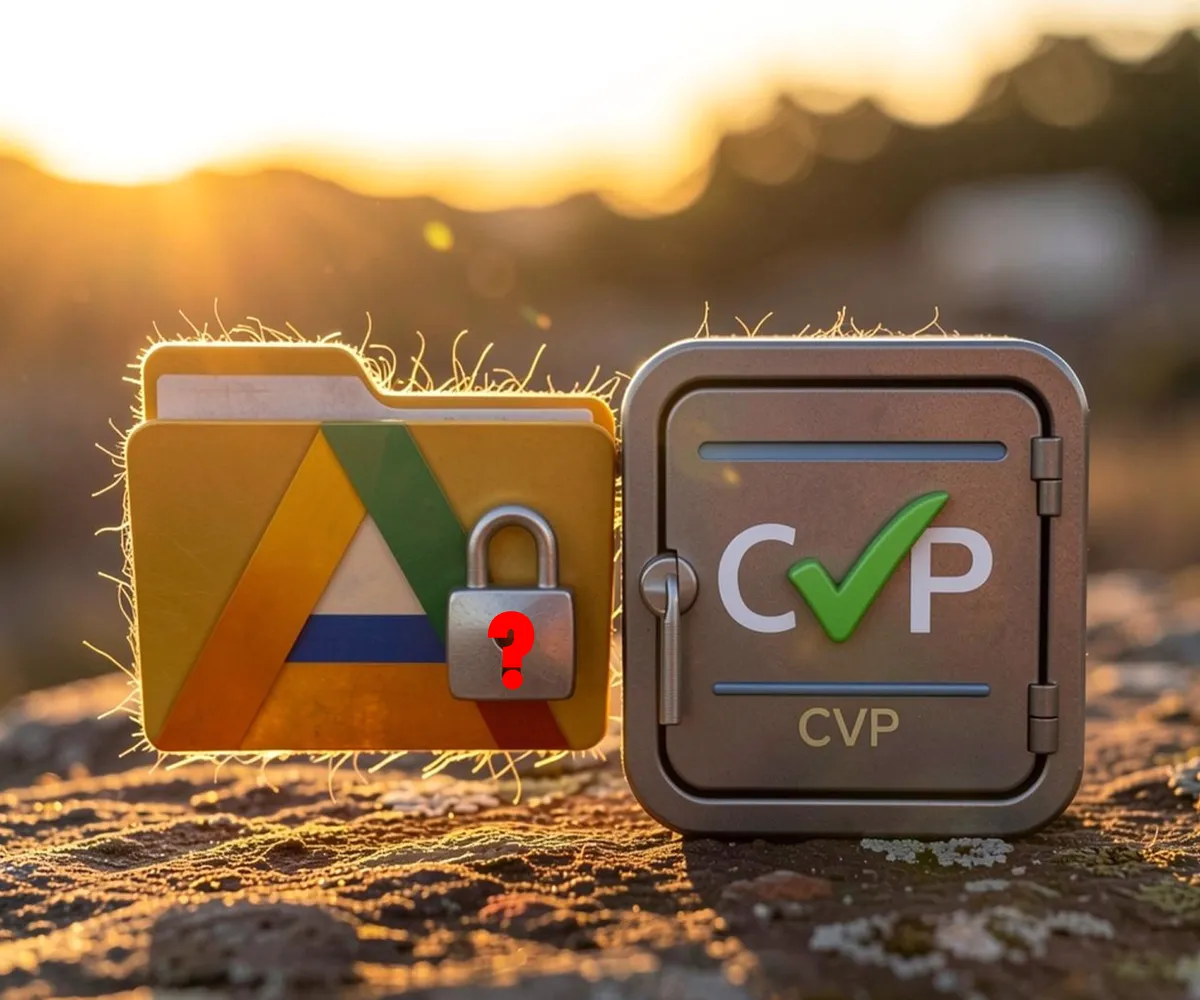

CVP vs Google Drive — Cloud Storage vs True Canadian Backup
Many Canadian professionals assume Google Drive provides adequate data protection because it offers “cloud storage.” This assumption overlooks fundamental distinctions between storage infrastructure and backup architecture—distinctions that matter significantly when data loss occurs.
Architecture Comparison
While both solutions store data online, their core functions differ:
Jurisdictional Exposure
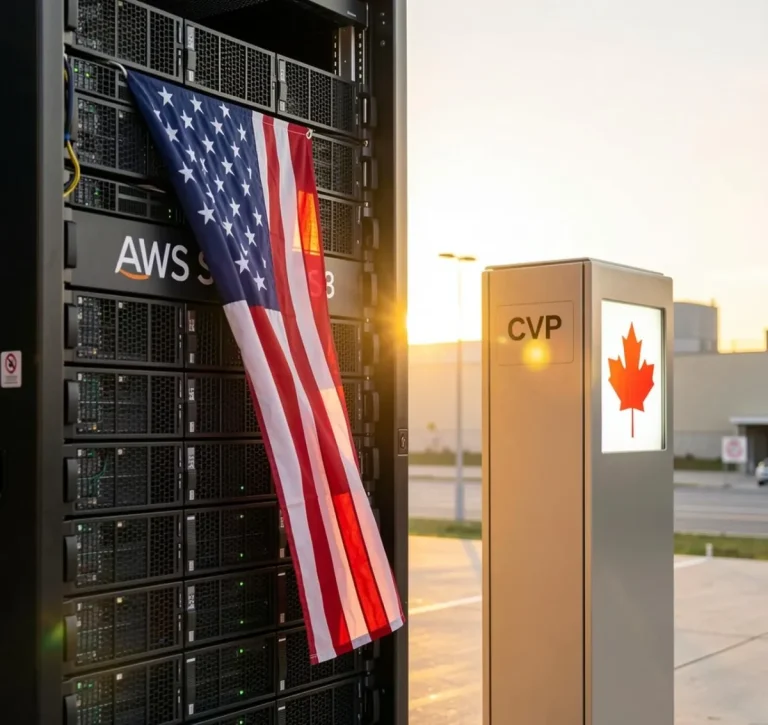
Google LLC operates globally, but its organizational structure concentrates decision-making authority in Mountain View, California. This concentration creates several implications for Canadian data custodians:
- US CLOUD Act applicability: As a US corporation, Google must comply with federal law enforcement requests regardless of physical server location.
- Data residency uncertainty: Google doesn’t guarantee Canadian storage locations for all customers.
- Policy changes: Terms of service modifications can occur unilaterally by US corporate governance.
These factors introduce compliance uncertainty for organizations managing sensitive information subject to Canadian privacy legislation.
Encryption Implementation Differences
| Security Feature | Google Drive Approach | ClientVaultPro Approach |
|---|---|---|
| Encryption Timing | Server-side (after upload) | Client-side (before leaving your computer) |
| Key Control | Google manages keys | Customer exclusively holds keys |
| Internal Access | Administrative access possible | Zero-knowledge: No one can see your data |
Business Continuity Considerations
Ransomware attacks targeting Canadian organizations have increased substantially. Recovery strategies depend heavily on backup architecture:
- Ransomware encryption: Google Drive often syncs malicious files; ClientVaultPro preserves pre-infection snapshots.
- Accidental mass deletion: Changes propagate immediately in Google Drive; historical versions are retained in CVP.
- Account compromise: Google Drive access can be revoked entirely; CVP data remains secure via encryption.
Local Support Advantage
When backup failures occur outside business hours, access to knowledgeable support personnel becomes critical. ClientVaultPro provides direct contact with Tachyon Business & Computer Solutions staff in Vernon, BC. Google Drive escalates technical issues through tiered support structures that may delay resolution during urgent situations.
Conclusion
Google Drive functions well for document collaboration and lightweight file hosting. However, businesses requiring reliable disaster recovery, regulatory compliance verification, and sovereign data control need dedicated backup infrastructure—which ClientVaultPro delivers through Canadian servers, zero-knowledge encryption, and complete PIPEDA alignment.